
A FlowBench app · Android
Latent
Your darkroom,
considered.
Plan your film development. Follow each timed step. Keep a record you can return to.
Coming to Google Play
- Black & white
- C-41
- E-6
- ECN-2
Inside the app
From the first plan
to the next good run.
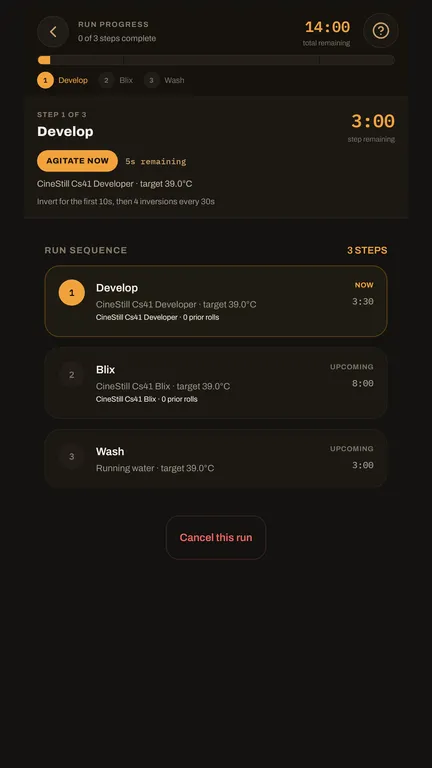
Bring the details together before development, follow the run while you work, and keep the result with the process that produced it.
Prepare
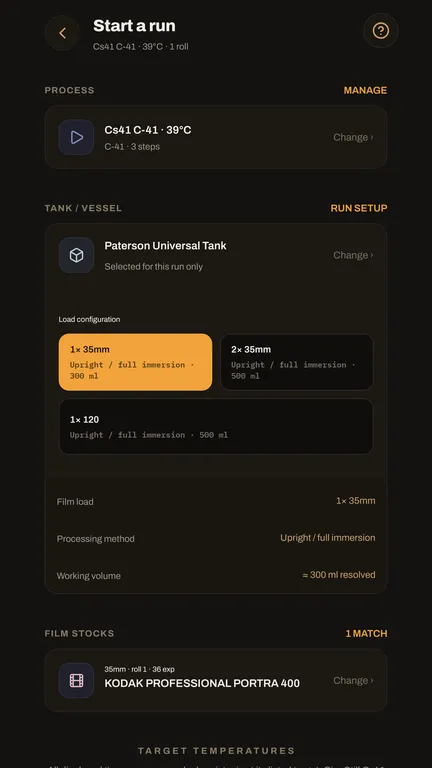
Set up the run.
Choose the process, tank, reel configuration and film. Keep the working volume and target temperatures with the plan.
Keep track
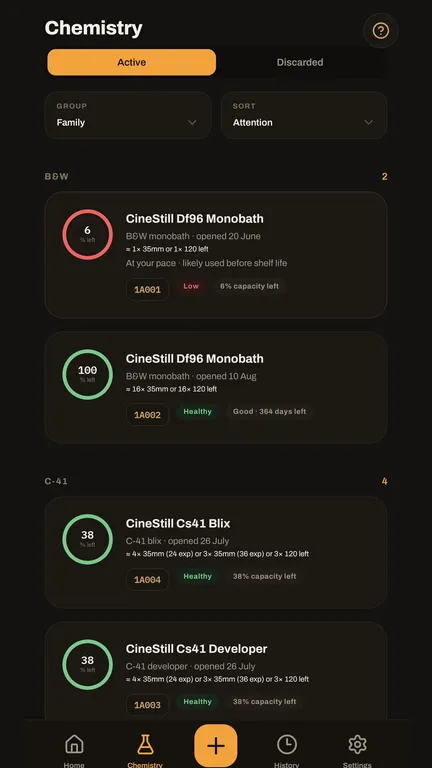
Know your chemistry.
See your active batches, their recorded use and estimated remaining capacity before starting another run.
Return to it
Keep the record.
Revisit the film, process and outcome of completed runs. Keep the context behind a result for the next time.
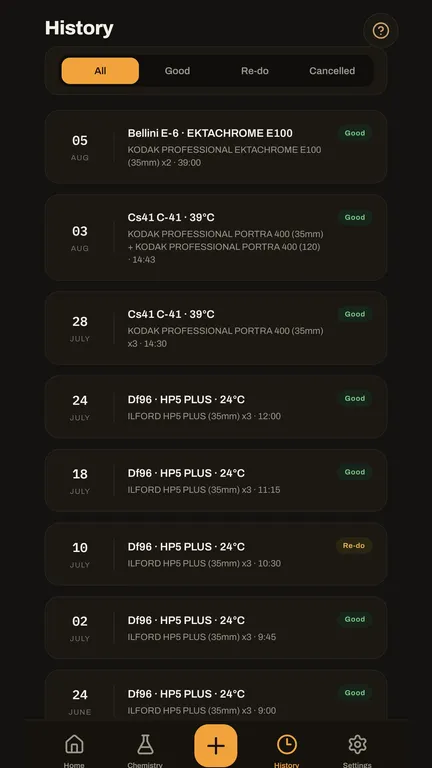
Screens from Latent for Android. Select a screenshot to see it in full.
Local first
Keep your work
close at hand.
Darkroom records are stored on your device. Manual export gives you a portable copy to keep; ordinary use does not depend on live cloud synchronisation.
Google sign-in is used for trial eligibility, purchase restoration and hosted recovery. See what stays on your device and what the service handles.
Getting started
Try it with
your next run.
Start your 30-day trial when you are ready. It runs for 720 hours from that moment. Full app access is then a one-time Google Play purchase, with no app-access subscription.
For Android 7.0 and later. Google Play shows the price for your region.
When does the trial start?
When you explicitly start it in the app. Installing Latent alone does not begin the trial. Each eligible account receives one 720-hour trial; reinstalling does not reset it.
What happens when access ends?
Existing local records remain on your device. Latent may enter read-only mode, with supported review and export functions available. Access-controlled edits and service features may be unavailable until access is restored. Read the access terms.
Does everything stay on my phone?
Your working records are local first. Account and purchase checks use the supporting service, and active signed-in accounts automatically create hosted-recovery points with no separate opt-out. Manual exports are yours to manage. Read the full data-handling explanation.
Can I delete my account?
Yes. You can initiate deletion in the app or use the public account-deletion page. Account deletion does not itself refund a Google Play purchase.
Latent organises a development workflow. Follow chemical manufacturers' instructions and safety data sheets for safe handling.